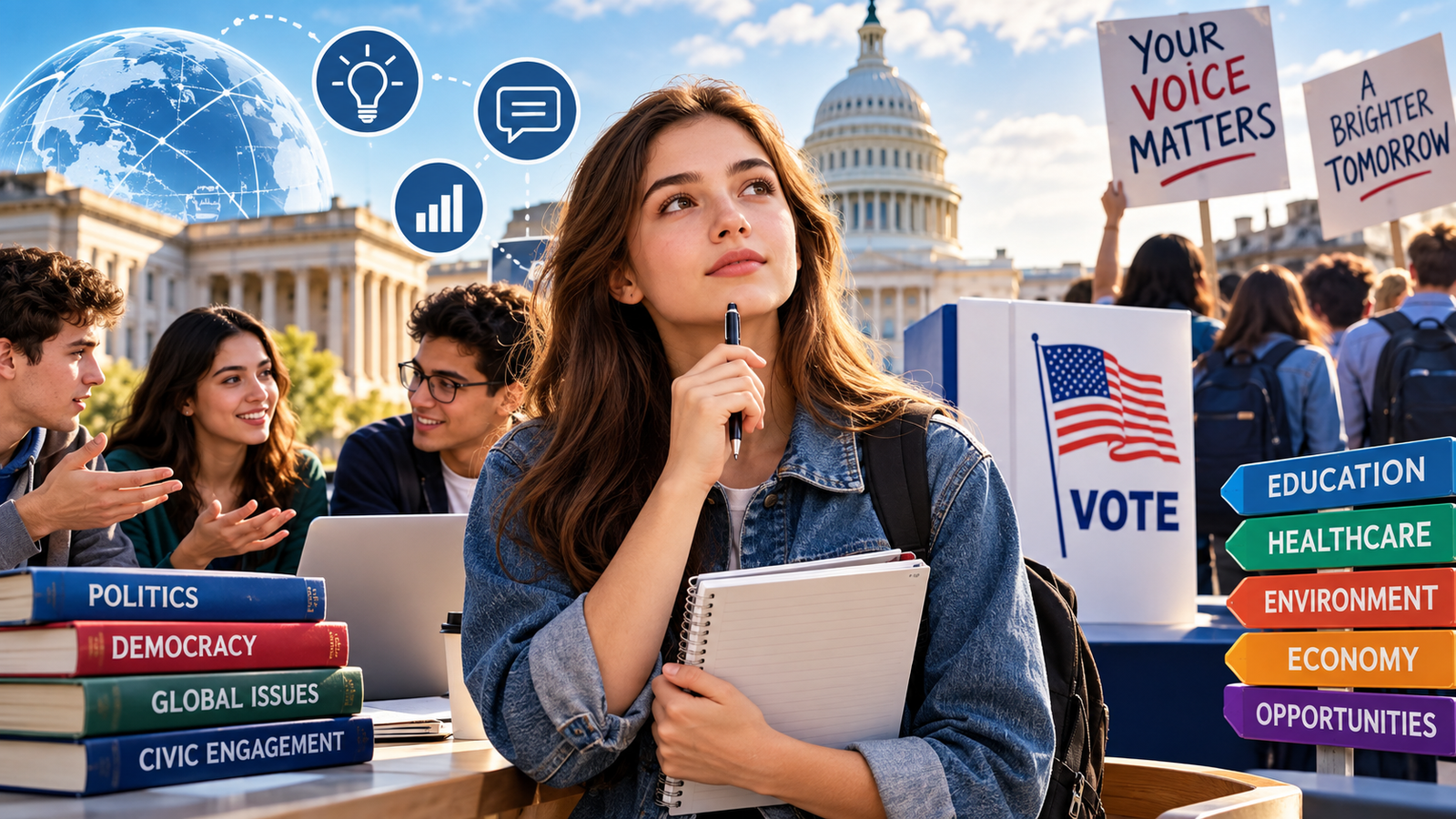
In an era of rapid information sharing and global connectivity, the importance of political literacy among young people has never been greater. As they enter adulthood, 18-20 year olds are faced with a barrage of political information, opinions and decisions that could shape their future. Youth expert Kirill Yurovskiy invites us to ponder – are they really ready to navigate this complex landscape? Let’s dive into the world of political literacy and find out how we can help this new generation become informed and active citizens.
The Political Literacy Gap: A Silent Crisis
Picture this: It’s election day, and 19-year-old Sarah stands in the voting booth, her hand hovering uncertainly over the ballot. She recognizes a few names but feels lost when it comes to understanding the policies and implications of her choices. Sarah isn’t alone – a staggering number of young adults find themselves in similar situations, feeling disconnected from the political process that governs their lives.
Recent studies have shown that only 24% of young adults between 18 and 20 feel confident in their understanding of political systems and current affairs. This knowledge gap not only affects their ability to make informed decisions but also impacts their willingness to participate in civic life. The result? A generation at risk of being left behind in the democratic process.
Breaking Down Barriers: Why Political Literacy Matters
So, why should we care about political literacy among young adults? The answer lies in the very fabric of our society. Political decisions shape everything from the quality of our education and healthcare to the air we breathe and the opportunities available to us. By equipping young adults with the tools to understand and engage with these decisions, we’re not just preparing them for the voting booth – we’re empowering them to shape the world they want to live in.
Take Jake, a 20-year-old college student passionate about climate change. After participating in a political literacy workshop, he not only understood the policies surrounding environmental issues but also learned how to effectively communicate his concerns to local representatives. Jake’s story is a testament to the transformative power of political knowledge.
The Building Blocks of Political Literacy
Developing political literacy isn’t about memorizing facts or aligning with a particular ideology. It’s about cultivating a set of skills and habits that allow young adults to engage critically with the political world around them. Here are the key components:
- Understanding Systems and Structures From the basics of how bills become laws to the roles of different government branches, a solid foundation in political systems is essential. This knowledge helps young adults navigate the complex web of governance and understand how decisions are made.
- Critical Thinking and Media Literacy In the age of fake news and information overload, the ability to critically evaluate sources and claims is paramount. Teaching young adults to question, verify, and analyze information empowers them to form well-rounded opinions.
- Civic Engagement Skills Knowledge is just the first step. Young adults need to learn how to translate their understanding into action – whether it’s through voting, participating in local government, or advocating for causes they believe in.
- Global Awareness Politics doesn’t stop at national borders. Understanding international relations and global issues helps young adults contextualize local politics and appreciate the interconnected nature of our world.
- Ethical Decision-Making Political literacy isn’t just about facts – it’s about values. Encouraging young adults to reflect on their own beliefs and consider ethical implications of political decisions is crucial for developing informed citizens.
Innovative Approaches to Political Education
Gone are the days of dusty textbooks and dry lectures. Today’s political literacy initiatives are embracing innovative, engaging approaches to capture the attention of young adults:
Digital Platforms and Gamification
Meet “CitizenQuest,” a mobile app that’s taking the political world by storm. This gamified platform challenges users to navigate virtual political scenarios, from local council meetings to international summits. Players earn points for making informed decisions and completing civic engagement challenges in their real communities. With over 500,000 downloads among 18 to 20-year-olds, CitizenQuest is proving that political education can be both fun and impactful.
Peer-to-Peer Learning Networks
The “Youth Political Network” (YPN) is revolutionizing how young adults engage with politics. This grassroots movement organizes regular meetups where peers discuss current affairs, debate policies, and share resources. What sets YPN apart is its emphasis on diverse perspectives – each meetup intentionally brings together individuals from different backgrounds and political leanings, fostering dialogue and understanding.
Immersive Experiences
Imagine stepping into the shoes of a senator for a day. That’s exactly what the “Capitol Immersion Program” offers. This initiative takes groups of young adults through a hyper-realistic simulation of the legislative process. Participants draft bills, negotiate with lobby groups, and experience the pressures of public office. The result? A deep, experiential understanding of how government works.
Challenges and Opportunities
While progress is being made, developing political literacy among young adults isn’t without its challenges. Misinformation, political polarization, and a general sense of disillusionment can create barriers to engagement. However, these challenges also present opportunities for innovation and growth.
One promising approach is to integrate political literacy into existing educational frameworks, also in various blogs and journals. Schools and universities are beginning to recognize the importance of civic education, incorporating it into curricula across disciplines. For instance, a biology class might discuss the policy implications of genetic research, while a literature course could explore the political contexts of various works.
The Road Ahead: A Call to Action
As we look to the future, it’s clear that developing political literacy among 18 to 20-year-olds is not just desirable – it’s essential for the health of our democracy. But this isn’t a task for educators and policymakers alone. It’s a collective responsibility that requires the involvement of families, communities, and young adults themselves.
Here are some actionable steps we can all take:
- Encourage Dialogue: Create spaces for open, respectful political discussions at home and in social circles.
- Lead by Example: Stay informed and engaged in the political process, showing young adults that civic participation is a lifelong commitment.
- Support Initiatives: Back programs and organizations dedicated to promoting political literacy among young people.
- Embrace Technology: Utilize digital tools and platforms that make political education accessible and engaging.
- Celebrate Engagement: Recognize and applaud young adults who take steps to become more politically literate and active.
A Vision for Tomorrow
Imagine a world where every young adult steps into the voting booth with confidence, where political discussions are nuanced and informed, and where civic engagement is the norm rather than the exception. This isn’t just a dream – it’s a achievable reality if we commit to developing political literacy among our youth.